
Pick a category, pick a value, answer.
A board game for groups and events: each team picks a square on the board, every square is a question worth its value, and the highest score wins.
We are getting the platform ready; it opens to coordinators soon.

How to play
- Pick a category
The board is split into categories, and teams take turns choosing.
- Pick a value
Every square is a question; the higher the value, the harder it gets.
- Answer and score
A right answer adds the square’s value to the team’s score.
Screenshots
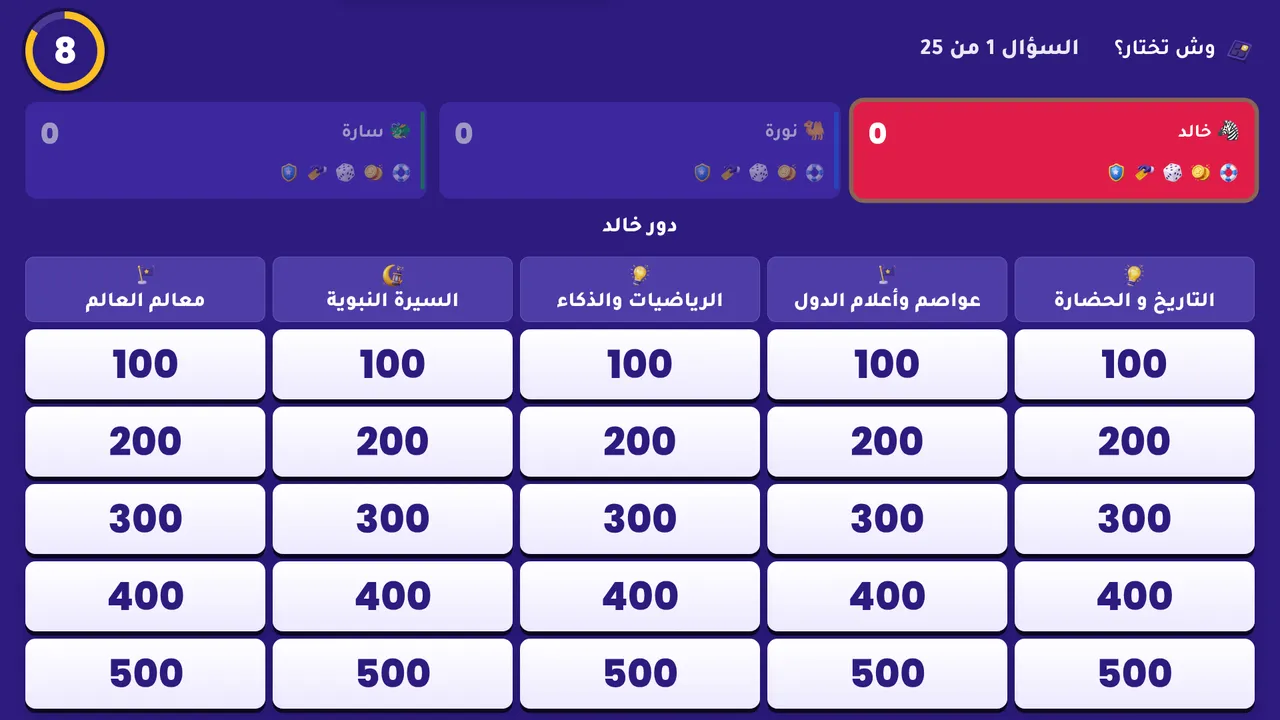
The board on the TV: categories, values and each team's points. 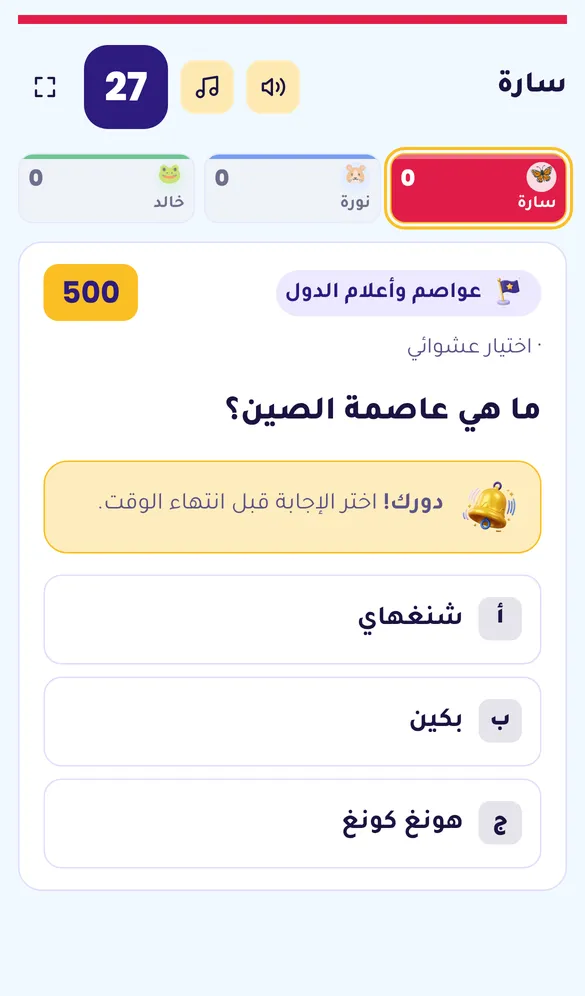
The question on a player's phone in «Players» mode. 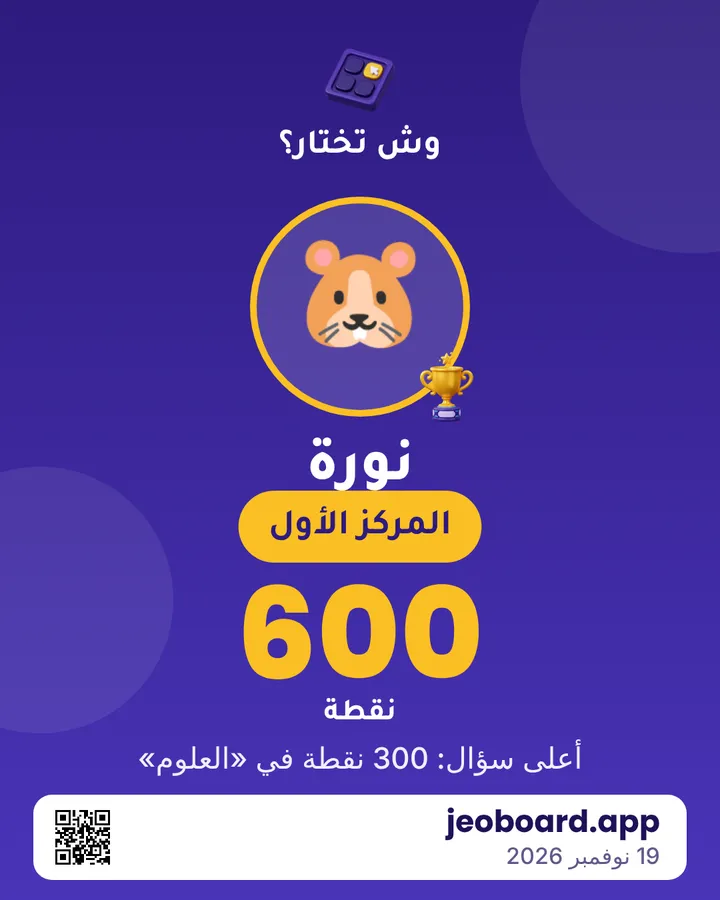
The result card a player shares after the game.
Questions people ask
Do I need to install an app?
No. It runs in the browser on phones, TVs and projectors; all it needs is an internet connection.
How do players join?
A player opens the site and types the game code (6 digits starting with 13) or scans the QR on the screen, then types a name. Players need no account.
What is the difference between Stage and Players?
Stage: The coordinator runs the game from a phone, and the board shows on a TV or projector from a link. Players: Each player joins with the game code and a name and stands for a team, two to six, and the coordinator can play too.
A big group? A class of 30 or a company of 100
Choose "Stage": the coordinator's phone and one screen everyone can see are enough. The audience is split into 2 to 6 teams, and nobody but the coordinator needs a phone. "Players" takes up to 6 phones: one for each player or each team.
Are the questions in Arabic?
Yes: every question and category is in Arabic and English, and you choose the game's language when you create it.
Ready to play?
You create a coordinator account with your mobile number and start with a free trial: 7 days or 3 games, whichever comes first, with no payment card.
Coming soon